
Apple Watch includes activity and accessibility settings designed for wheelchair users, including push tracking and a Roll goal, but those features do not make every reading or notification equally useful for every person. Joel Dembe's first-person review is most valuable as a practical account of what worked, what remained imperfect, and why individual settings and expectations matter.
By Joel Dembe
At first, I was skeptical. Another expensive, overhyped gadget, right? I was certain it would distract me. Or that I wouldn't use the 'cutting-edge' features cleverly advertised by Apple's slick marketing team. More importantly, as someone who uses a wheelchair, I was certain a smartwatch would never understand my needs.
I was wrong.
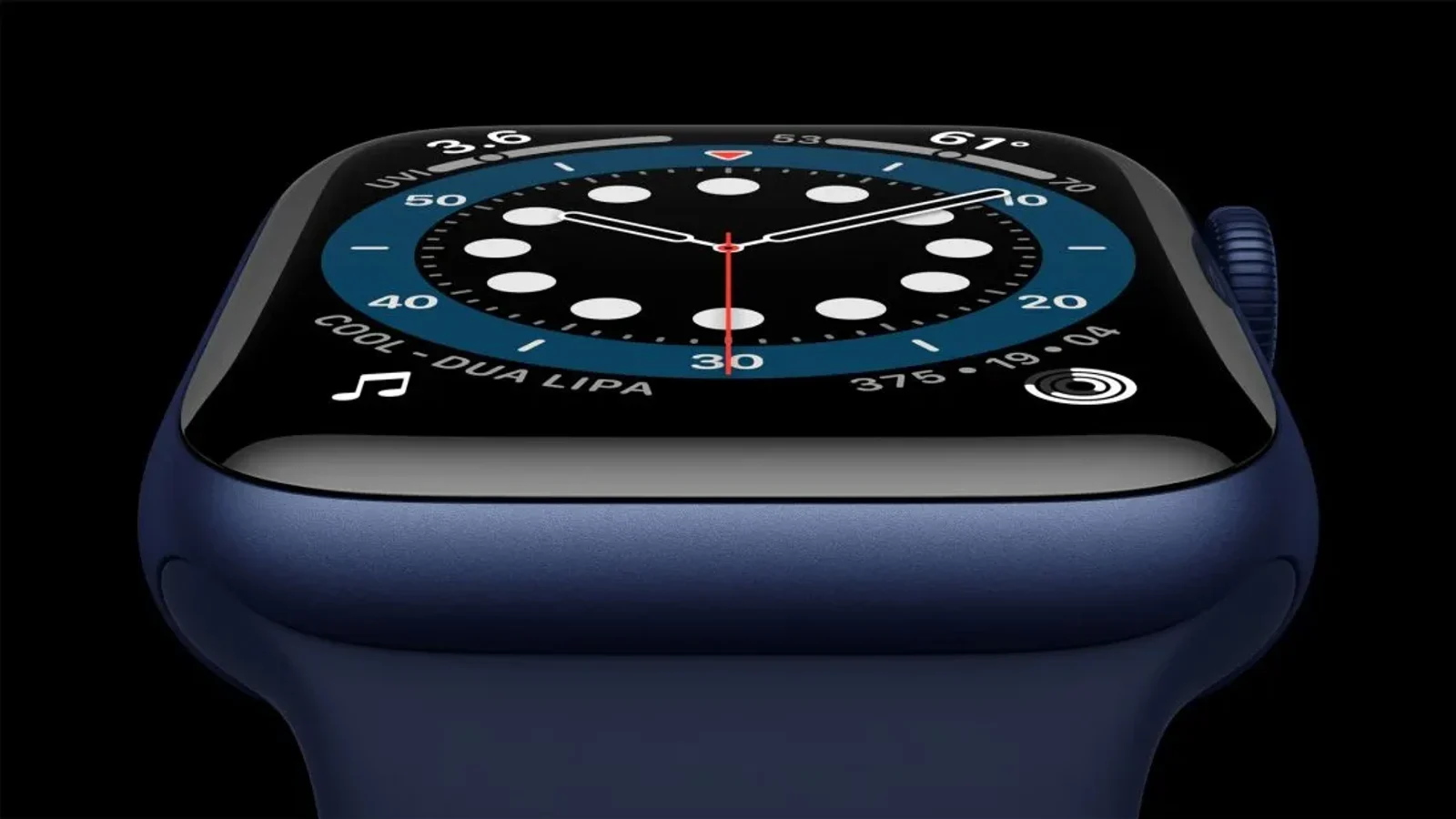
The Apple Watch Series 6 has quietly become one of the most useful tools in my daily life. Not because of any disability-specific feature — though those exist — but because of how well the general features translate to the specific context of wheelchair use.
The health monitoring features are genuinely useful. The blood oxygen sensor (new in Series 6) gives me data I never had before. The ECG app has already flagged one incident that I followed up with my doctor. The heart rate monitoring catches patterns that I would otherwise miss.
But what surprised me most was the wheelchair-specific activity tracking. Apple introduced wheelchair support in watchOS 3, and it's more thoughtful than I expected. The watch recognizes wheelchair pushing as a distinct activity, counts push strokes, and adjusts calorie calculations accordingly. The "Time to Roll" notification replaces the standing reminder for wheelchair users.
The fall detection feature, which Apple added for older users, has a different meaning for wheelchair users. We fall differently — forward out of chairs, sideways in transfers — and the watch doesn't always catch these correctly. But the general capability is there and improving.
The accessibility features are worth mentioning. AssistiveTouch, added in watchOS 8, allows the watch to be controlled with hand gestures — useful for people who can't easily tap the screen or use the crown. It uses the accelerometer and gyroscope to detect pinch and clench gestures.
For navigation, the haptic feedback is invaluable. Different taps on your wrist for left, right, and arrival means you don't have to look at your phone or listen to audio directions — crucial when you're navigating a busy sidewalk in a power chair.
Is it perfect? No. The watch still doesn't fully understand wheelchair propulsion during certain activities. The fitness rings can feel arbitrary when you're dealing with chronic fatigue. The price is prohibitive for many disabled people, who face higher rates of poverty.
But Apple has been more thoughtful about wheelchair accessibility than most tech companies, and the result is a product that genuinely improves daily life. Sometimes skepticism deserves to be challenged. Just watch me.
What Apple designed for wheelchair activity
Apple's current wheelchair workout guidance explains how the watch tracks pushes instead of steps and offers outdoor push workouts at different paces. That official guidance is the right place to confirm current settings because features and software change. The article remains a personal account from an earlier watch generation, not a promise that every model or algorithm will behave the same way today.
Where tracking can help
Useful tracking can make patterns easier to notice, provide navigation cues, and support a person's own routine. It should not turn movement into a rigid score or replace medical advice. Moove's broader movement perspective starts with the person's goals and environment rather than a device metric. Fatigue, propulsion technique, terrain, transfers, and the way a watch is worn can all affect what a number means in daily life.
Fit technology to the person
The same principle used in mobility-equipment fitting applies to consumer technology: start with the task, understand access needs, test the controls, and keep only the features that add value. Learn about Moove's personalized fitting process for mobility equipment in Canada, review the wheelchair power-assist guide for a concrete example of matching technology to intended use, or use the contact form when a technology question affects equipment setup. Health concerns and sensor readings should be reviewed with a qualified health professional.